10 Email Finder Tools for Accurate Outreach
The biggest contact database usually isn't the best email finder tool. That advice breaks down the moment you care about what happens after the lookup, when a returned address still has to survive verification, avoid spam placement, and reach an actual inbox.
Recent benchmark writeups show why. The category has shifted toward measurable accuracy and verification, not simple contact lookup, with tested outcomes that separate coverage from accuracy and make the tradeoff visible across tools in a way older comparison lists often ignored. At the same time, business email deliverability across major sending platforms averaged 83.1% in 2024, with 10.5% landing in spam and 6.4% missing entirely according to the market overview at Dataintelo's email finder tools market report. A found email isn't the same as a usable one.
That's the lens for this roundup. I'm not treating every tool as if it solves the same problem, because it doesn't. Some products are built for direct email discovery and verification. Others are really broader B2B databases with finder features attached. One option, NowFunded, flips the workflow entirely by starting with a real-time funding trigger and then enriching verified founder or leadership contacts only when needed.
The practical questions are different from the usual “who has the largest database.” You need to know when a vendor charges for failed verification, whether the product supports API or webhook workflows, how transparent pricing is, what kind of data scope you're buying, and what controls exist to reduce bounce risk before outreach starts.
Table of Contents
- 1. NowFunded
- 2. Hunter
- 3. Apollo
- 4. Clearbit
- 5. ZoomInfo SalesOS
- 6. Lusha
- 7. RocketReach
- 8. Snov.io
- 9. Anymail Finder
- 10. Dropcontact
- Top 10 Email Finder Tools Comparison
- Choose for Your Workflow, Then Verify Before Sending
1. NowFunded
The usual way to compare email finder tools starts with database size. That misses the operational question. If outreach begins after a funding event, the better benchmark is how quickly a tool surfaces the company, whether contact verification is charged only on success, and how easily that record can move into an automated workflow.
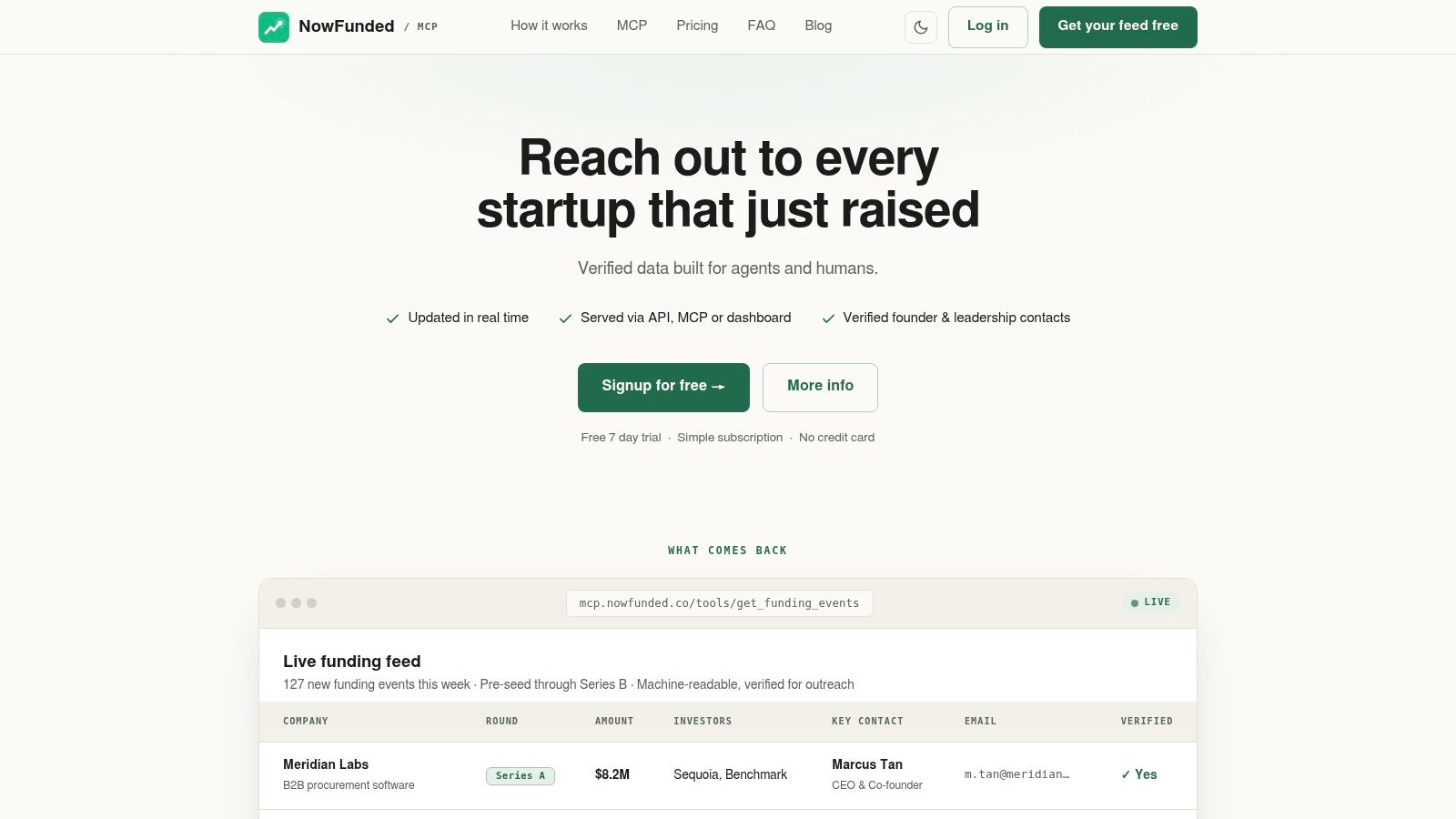
NowFunded is built around that event-first model. It tracks newly funded startups from pre-seed through Series B, then lets teams enrich founder and leadership contacts only when a company enters the pipeline. That changes both cost control and workflow design because contact acquisition happens later, closer to the moment of outreach.
The product data shown in its own materials includes company name, round, amount raised, lead investors, headquarters, headcount, sector, website, and LinkedIn. Delivery options include a web dashboard, CSV export, REST API, webhook push, and MCP. For teams routing prospects into CRMs, lead scoring systems, or internal agents, webhook support matters more than a larger static database because it removes manual polling and shortens time from signal to action.
Its pricing model is also different from the credit systems used by many finder tools. Funding-event data is free to query. Verified contacts are priced per successful result, with email and phone charged separately, and no subscription or minimum spend. The practical effect is straightforward. Failed lookups do not inflate acquisition cost in the same way they can on tools that debit credits before usability is confirmed.
That makes NowFunded a better fit for specific outreach motions than for general list building. Agencies targeting newly funded startups, recruiters watching for hiring intent, and outbound teams selling into post-raise budget changes can start from a live trigger and enrich only the accounts they plan to contact. A broad sales organization that needs mature-company coverage across many industries will usually need a wider B2B dataset.
A few implementation trade-offs stand out:
- Verification-linked billing: spend tracks usable contacts rather than raw lookup volume.
- Automation readiness: REST API, webhooks, and MCP support event-driven workflows instead of spreadsheet-first processing.
- Structured company context: normalized fields reduce cleanup work after export.
- Narrower scope: coverage is strongest for early-stage funding activity, not for a general corporate contact universe.
NowFunded also maintains a recent historical dataset alongside live updates, which is useful for teams that want to backtest a segment or build campaigns around recent rounds rather than only same-day events. The limitation is clear. This is not the tool for buyers who want maximum contact breadth first and verification second. It is for teams that treat timing, verification control, and workflow integration as the deciding variables.
2. Hunter
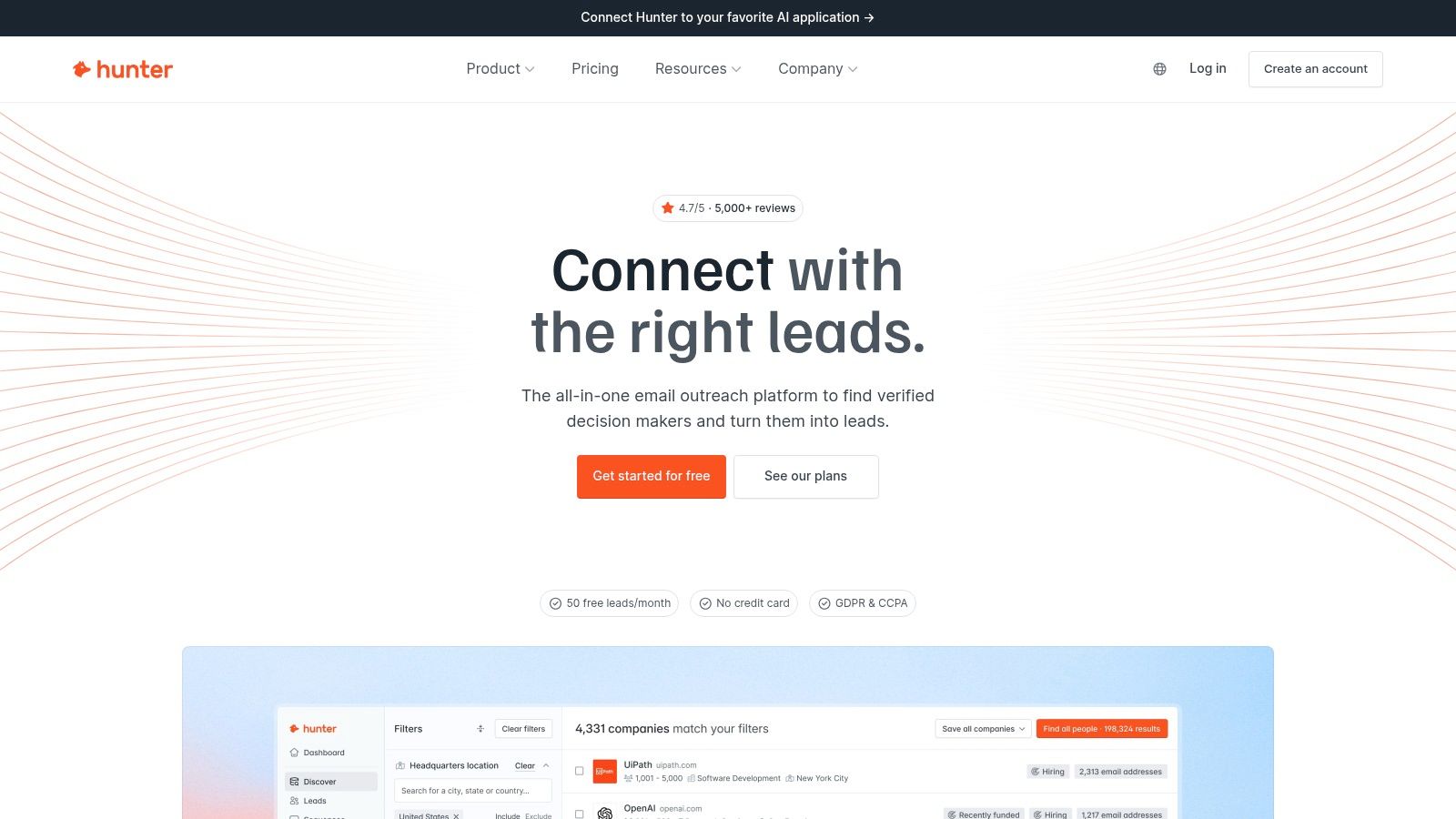
Hunter is often treated as a default choice because its product boundaries are clear. It finds work emails, searches domains, and verifies addresses in the same interface. That focus matters operationally. Teams can judge it on lookup quality, verification workflow, and credit economics without sorting through a larger sales platform.
Hunter fits a specific decision model. Start with a company domain or a person-plus-company query, generate likely addresses, then verify before export or send. That is different from buying a large contact database and treating email discovery as one feature among many. For SDR teams, recruiters, agencies, and researchers already working in a CRM or spreadsheet, that narrower setup can reduce implementation overhead.
The trade-off is equally clear. Hunter's usefulness depends less on raw domain coverage than on how often a found address survives verification and reaches a usable confidence level for outreach. Independent comparisons have questioned whether single-source finder workflows consistently convert search volume into verified deliverable contacts. One benchmark summarized in Anymail Finder's 2026 tool comparison analysis placed this category behind stronger deliverability-first approaches on verified-valid output and false-positive control.
That distinction matters more than feature count. A finder can surface many plausible emails and still create cleanup work if verification confidence is weak, catch-all domains are common, or teams send too quickly after export.
Hunter is usually a good fit for:
- Domain-first prospecting: Reps identify target companies first, then look up individuals
- Spreadsheet or extension workflows: Google Sheets and browser-based research remain central to the process
- Public pricing preferences: Buyers can estimate usage cost without a sales call
- Light automation: API access supports basic enrichment and verifier steps without a larger orchestration layer
Its limits are mostly operational, not cosmetic. Hunter is less suited to teams that want phone data, reporting-line context, intent signals, or a broad account-level dataset in the same system. It also requires buyers to pay attention to how credits are consumed across finding and verifying, because transparent pricing does not automatically mean low verification cost per usable contact.
For readers comparing domain-first tools with trigger-based sourcing, the NowFunded blog offers useful context on how event-driven workflows change verification priorities and list-building logic.
Hunter works well when email lookup itself is the job. It is less effective as a substitute for a broader prospecting stack or for workflows where bounce-rate control depends on stricter verification standards than a simple finder can provide.
3. Apollo
Apollo is what many teams buy when they don't want a standalone email finder tool. They want a contact database, sequencing, enrichment, prospecting extension, and basic automation in one place, and Apollo bundles all of that into a single operating surface.
That scope changes how you should judge it. Apollo isn't just competing on whether it can find a work email. It's competing on whether reducing tool sprawl offsets the fact that all-in-one systems usually ask you to accept tradeoffs in verification purity, pricing clarity, or operational complexity.
The database-first tradeoff
Independent 2026 benchmark reporting found Apollo around 68.1% coverage with 91.3% accuracy in one cross-tool comparison. The more important conclusion isn't the exact placement. It's that Apollo behaves like a broad database product with finder capability, not like a pure deliverability-first finder.
For some teams, that's correct. If reps build lists, enrich records, push prospects into sequences, and make calls from the same system, a separate finder can feel redundant. For other teams, especially those sensitive to bounce risk, Apollo's finder output is better treated as prospecting input that still deserves another verification step immediately before send.
Apollo tends to work for:
- SMB and mid-market sales teams: One tool can cover list building, enrichment, and outreach
- Ops teams reducing stack count: Fewer integrations to maintain
- Prospecting-heavy motions: Strong when breadth matters more than perfect finder hygiene
The cost is scope creep. Teams that only need email lookup and validation may end up paying for workflow layers they won't use. Pricing can also become less transparent once options, quotas, and add-ons enter the mix.
4. Clearbit
Clearbit sits closer to enrichment infrastructure than to a pure email finder tool. That's why it often lands in stacks owned by marketing ops, RevOps, or product-led growth teams rather than by individual SDRs.
The value isn't only in finding a person's address. It's in feeding people and company data into forms, routing, CRM hygiene, alerts, and downstream enrichment jobs. If your team treats contact data as part of a broader data pipeline, Clearbit makes more sense than a lightweight finder with limited integrations.
Strong integrations, less pricing clarity
Clearbit's appeal comes from mature APIs and strong CRM or marketing automation fit, especially for teams that care about enrichment flow more than one-off lookups. Batch enrichment and credit-based usage support pipeline-style work well.
The tradeoff is buying complexity. The free platform tier was sunset in 2025, and pricing can be opaque depending on bundle and usage pattern. That makes Clearbit harder to evaluate for teams that want a predictable cost per usable contact.
A few practical points matter here:
- Pipeline strength: Good fit when email finding is only one field inside a larger enrichment job
- Ops-friendly posture: Better for system design and data flow than for ad hoc rep-driven prospecting
- Risk area: If your team mainly needs verified outreach addresses, broad enrichment can become an expensive detour
Clearbit is best judged as infrastructure. If you expect a lightweight finder with transparent per-result economics, it can feel indirect.
5. ZoomInfo SalesOS
A large contact database does not automatically make a better outreach tool. ZoomInfo SalesOS is better understood as a revenue operations platform that includes email discovery, enrichment, routing, and sales workflow controls. That distinction matters because the buying decision is less about raw contact coverage and more about whether your team needs admin policy, CRM sync, sequencing support, and procurement-ready account management in one system.
The practical trade-off is cost structure versus workflow control. ZoomInfo is usually sold through custom contracts, often with annual commitments and product bundles rather than a simple pay-per-verified-email model. For operations teams, that can be acceptable if the platform replaces several separate tools. For smaller outbound teams, it makes cost per usable contact harder to isolate, especially when the question is whether a found address was verified well enough to send without raising bounce risk.
Implementation also looks different here than with lighter finder tools. Reps can use it for prospecting, but the stronger case is centralized deployment across sales, RevOps, and enrichment workflows. API access, CRM integrations, and broader company-level data make it useful when outreach data has to move through multiple systems instead of staying inside a browser extension.
One limitation is evaluation clarity. Database breadth is visible early. Deliverability performance is harder to judge until a team tests records inside its own sending setup and compares bounce outcomes against a verification-first workflow. Teams doing event-based prospecting or narrow trigger campaigns sometimes get better operational fit from a smaller, purpose-built source such as startup funding signal data, then verify before sending.
ZoomInfo makes the most sense when the operational problem is tool consolidation and control. It is a weaker fit when the requirement is simple, transparent economics for finding and verifying outreach-ready email addresses.
6. Lusha
Lusha is easier to pilot than many competitors because the model is straightforward. It uses a single credit system across products, offers a permanent free plan, and presents itself as a simple way to reveal contact data through a web app, extension, and API.
That matters for operational testing. A lot of teams never reach the point where they can compare finder quality because vendor packaging gets in the way first. Lusha lowers that barrier. You can test reveal workflows quickly, decide whether reps like the extension, and see whether the economics make sense before broader rollout.
Good pilot option, but watch reveal economics
Lusha tends to suit teams that value short time-to-value over deep workflow customization. The browser extension is central to that. Reps can prospect in context and pull data without building a more formal enrichment pipeline.
The caution is in what you're paying for. Phone reveals often cost more credits than email reveals, and pricing can change at checkout or at sales-led scale. That doesn't make the tool opaque by enterprise standards, but it does mean the free plan can hide how the budget behaves under full usage.
Operational insight: A free plan tells you whether people will use the tool. It doesn't tell you your eventual cost per successful contact.
Lusha is most attractive when you want fast adoption, extension-led prospecting, and simple credit semantics. It's less attractive when you need highly explicit verification billing or richer workflow automation.
7. RocketReach
RocketReach is easier to justify as a selective coverage layer than as the system that defines your outreach process. That distinction matters because a finder can look strong on record volume while still creating avoidable verification cost, manual checking, or bounce risk once records reach the sending step.
A third-party benchmark review cited by Dropcontact's email finder benchmark review highlights the operational problem: raw match rates and usable contacts are not the same thing. For teams buying a second data source, that gap is the evaluation point. The question is not whether RocketReach can return a contact. The question is whether the returned record reduces time to a verified, sendable address.
RocketReach fits best in workflows where speed matters more than orchestration depth. The Chrome extension, person search, company search, and bulk lookup options support in-the-moment research for recruiting, partnerships, and outbound reps working from LinkedIn or a company site. API availability also makes it possible to slot RocketReach into a broader enrichment flow, although teams that need webhook-heavy automation or tightly managed multi-step data hygiene may find the implementation less opinionated than specialist verification-first tools.
The trade-off is economic, not just functional. If you use RocketReach as a primary source, budget pressure can build quickly when your team still needs a separate verifier or additional QA before sending. If you use it as a fallback after your main provider misses a record, the pricing logic often works better because you reserve paid lookups for exceptions instead of routine list building.
One practical use case stands out. Event-led prospecting usually creates narrow windows where recency matters more than owning a giant all-in-one database. In that setup, a trigger source such as the funding event tracking resources on the NowFunded blog can identify who to contact first, while RocketReach handles the missing contacts your core system failed to return.
Use RocketReach if your team needs quick manual lookups, extension-based research, or a secondary source to improve coverage. Be more cautious if you need explicit verification economics, stronger bounce-rate controls, or one platform to manage the full path from discovery to send-ready data.
8. Snov.io
Snov.io is the budget-conscious all-in-one option for many startups and small teams. It combines email finding, built-in verification, sequencing, sender management, a LinkedIn extension, and API access in one package.
That combination matters because smaller teams rarely buy specialist tools one by one. They want one service that can discover contacts, check addresses, and run outreach without requiring a second procurement cycle or a dedicated ops owner.
A practical small-team bundle
Snov.io's strongest argument is value density. You get enough capability to stand up a prospecting workflow without stitching together multiple vendors. For founders, indie builders, or early SDR hires, that's often more important than winning a benchmark on pure finder quality.
The limitation is breadth and polish. Database coverage can lag larger vendors in narrow industries or harder segments, and users who've worked with more mature platforms may notice rougher edges in the interface. Those tradeoffs are normal for a lower-cost suite.
Snov.io is often a sensible first system when:
- You need finder plus sequences: One product can cover the first version of the motion
- You need an API but not enterprise architecture: Enough automation support without enterprise complexity
- You accept compromise: Cleaner than raw scraping, but not always the strongest option for hard-to-find contacts
This is the classic “good enough stack in one login” purchase.
9. Anymail Finder
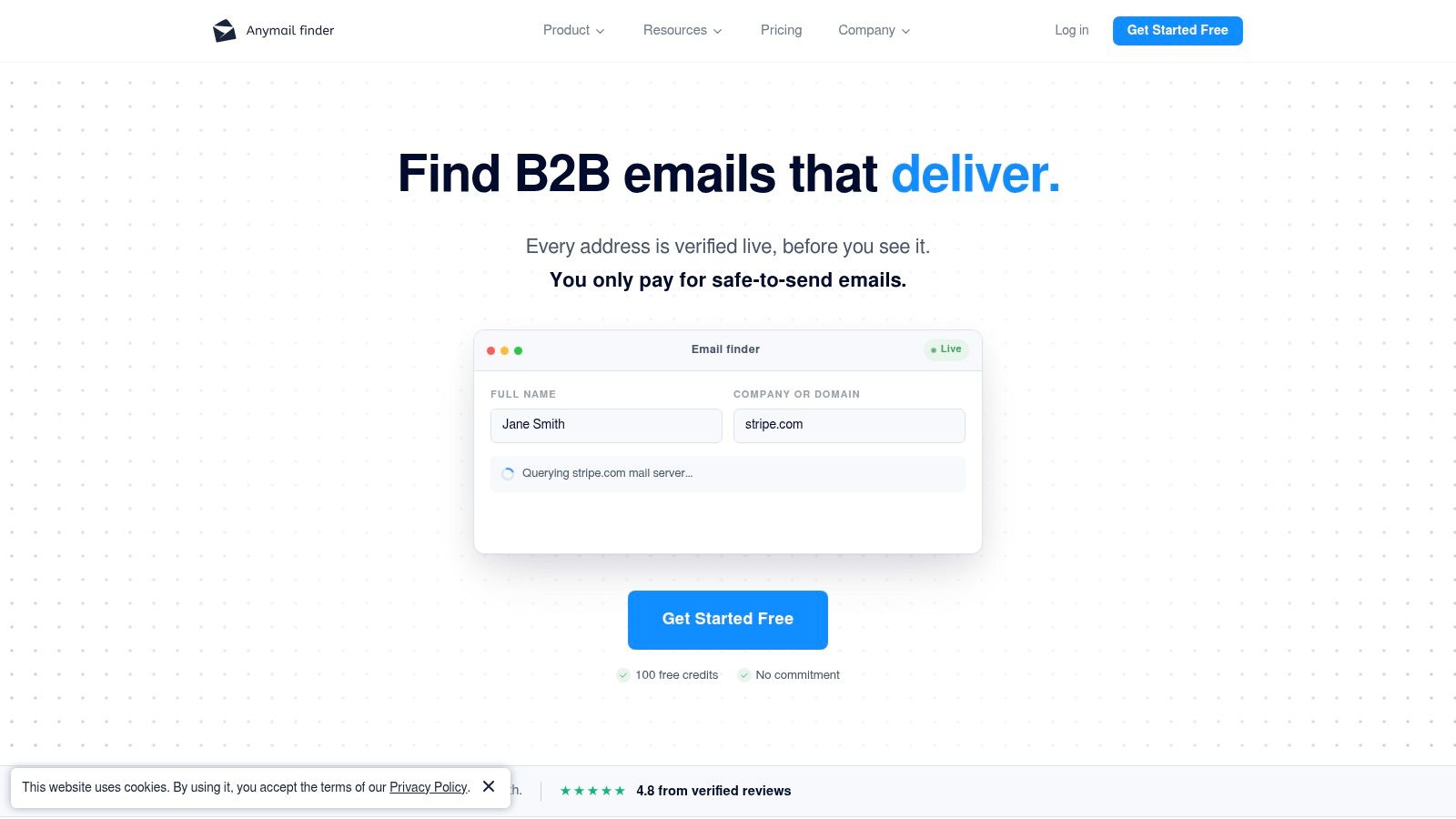
Coverage alone is a weak buying metric for an email finder. Outreach teams send messages, not match counts, so the operational question is simpler: what does the vendor charge for an address you can use?
Anymail Finder is built around that question. It charges for verified business emails returned, not for every lookup attempt. That shifts the economics of prospecting in a way many broad databases do not. If your workflow includes uncertain domains, long-tail accounts, or batch enrichment from another source system, failed searches do not consume budget in the same way they do on credit systems that bill per attempt.
Its appeal is narrower than an all-in-one sales data platform, but clearer. Anymail Finder fits teams that already have lead sources and need a verification-first layer before mail goes out. Analysts comparing finder tools have highlighted its position on verified deliverability rather than raw record volume, including on Anymail Finder's benchmark page. That distinction matters because a larger database can still produce more operational risk if bounce controls are weaker.
The implementation trade-off is straightforward. You get bulk search, API access, team credit sharing, and buying options that include one-off credits, which makes the product usable in both manual research and programmatic enrichment. You do not get a larger orchestration stack around phone data, intent signals, sequencing, or CRM-heavy workflow design. For some teams, that is a limitation. For others, it is exactly the point, because they want a finder that sits inside an existing stack instead of replacing it.
A practical way to assess Anymail Finder is by workflow fit:
- Use it if verification cost matters: Charging on verified output changes list-cleaning math and reduces waste on uncertain lookups
- Use it if API readiness matters: It is easier to plug into enrichment or pre-send validation flows than tools built mainly for manual prospecting
- Skip it if you need list generation first: It works better after you already have names and company context
- Skip it if you want one vendor for everything: The product stays focused on email discovery and validation, not full sales intelligence
That focus makes Anymail Finder easier to price and easier to place in a stack. It also means you should judge it by bounce-rate control and verification mechanics, not by whether it tries to cover every upstream part of prospecting.
10. Dropcontact
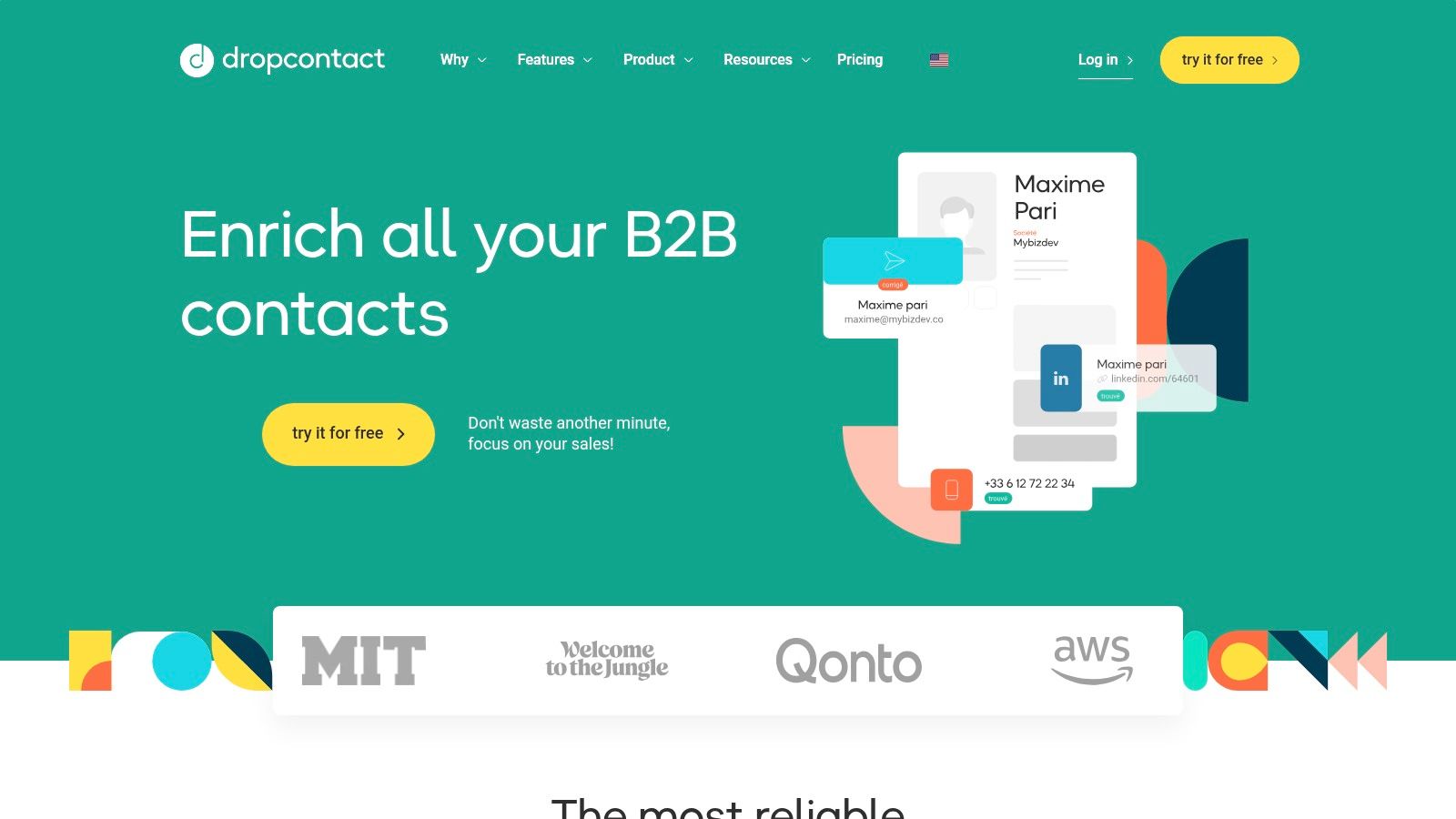
Dropcontact is easier to judge as an enrichment system than as a pure email finder. The product centers on identifying and updating professional contact data through its own processing logic, with a clear emphasis on GDPR-sensitive use cases and European operating standards.
That changes the buying decision. A team sourcing contacts for EU outreach usually has to ask more than "How many emails can this tool return?" The practical questions are whether the vendor explains its data handling model clearly, whether the records fit business outreach rather than personal inbox targeting, and whether the output can enter an existing CRM or outbound workflow without adding manual review at every step.
Dropcontact is stronger on that compliance and enrichment side than on pricing transparency. Buyers who want immediate self-serve cost clarity may find the evaluation process slower than with simpler credit-based tools. Buyers who care more about data processing posture, CRM sync behavior, and structured enrichment may accept that trade-off.
One implementation detail matters here. Dropcontact usually makes more sense after you already have a person and company context, then need email resolution, enrichment, or record cleanup. It is less obviously suited to teams that want a large prospecting database first and only later worry about verification controls.
Some 2026 guidance on finder tools also draws a hard line between business addresses and personal Gmail or Outlook accounts, and warns against using personal emails for cold outreach, as discussed in Emailchaser's guide to email finder tools. That framing fits Dropcontact's positioning.
A useful way to evaluate Dropcontact is by operational fit rather than headline database size:
- Choose it for EU-centric enrichment workflows: Compliance posture is part of the product decision, not an afterthought
- Check integration depth before rollout: The value is higher when CRM or enrichment flows are already defined
- Ask how verification is handled in practice: Coverage alone does not answer bounce-risk questions
- Expect trade-offs on pricing transparency: The tool can fit regulated workflows well while still being harder to model quickly in a self-serve buying process
For outreach teams, the main limitation is straightforward. Compliance-aware enrichment does not automatically mean top-tier verified deliverability. If bounce-rate control is the priority, Dropcontact should be tested on verified output inside your actual sending workflow, not judged only by how many records it can enrich.
Top 10 Email Finder Tools Comparison
Product Core offering Delivery & integrations Contact quality & verification Best for Pricing model & unique advantage NowFunded (Recommended) Real-time funding feed (pre-seed → Series B) + verified founder/lead contacts; 10k+ rolling records MCP (native), REST API, webhooks (instant), CSV, web dashboard Deliverability-verified emails & phones; charged only on successful verification SDRs, recruiters, market-intel, AI/agent builders Funding queries free; $0.10/email, $0.25/phone; agent-first, real-time feed Hunter Email discovery, bulk lookups, verification API, browser extensions, Google Sheets add-on Strong email verification; limited phone coverage SDRs, researchers, small sales teams Credit-based public pricing; ecosystem of extensions Apollo Large contact DB + sequencing, dialer, prospecting tools API, CRM integrations, Chrome/LinkedIn tools Integrated validation/enrichment at scale Teams wanting combined data + outreach stack Competitive per-contact economics; bundles/tiers vary Clearbit People & company enrichment, prospector APIs CRM/MA integrations, batch enrichment, alerts Enterprise-grade enrichment; some users note staleness Marketing ops, data pipelines, growth teams Credit/usage model; deep HubSpot and tool integrations ZoomInfo SalesOS Enterprise B2B data, intent, org charts, orchestration Multiple product lines, broad integrations, admin controls Extensive US coverage, enterprise validation & SLAs Large enterprises requiring depth, compliance, SLAs Custom enterprise pricing (annual contracts); breadth & support Lusha Email & phone reveals with simple credit system Web app, browser extension, API, AI connectors Good quick coverage; phone reveals cost more credits Quick pilots, small sales teams Free plan + credit model; easy to pilot RocketReach Email/phone/social finder with Chrome extension Bulk lookups, exports, CRM integrations Solid coverage as a secondary source Supplementary prospecting and in-context lookups Subscription/plan pricing; useful as backup data source Snov.io Email finder, verification, sequencing & API Chrome/LinkedIn extension, REST API, sequencing tools Built-in verification included; good deliverability focus Startups and small teams on a budget Affordable plans; strong value-for-money Anymail Finder Pay-only-for-verified business emails REST & bulk API, team credit pools (mentions MCP) You are charged only when an email is verified Deliverability-focused outreach teams Pay-per-verified model; high signal, cost-efficient for accuracy Dropcontact Deterministic enrichment & email finding with GDPR focus API, bulk, deduplication; EU-compliance posture Deterministic algorithms (own data), GDPR-friendly EU-focused teams and strict compliance needs Volume/custom pricing; strong EU/GDPR positioningChoose for Your Workflow, Then Verify Before Sending
The wrong way to buy an email finder tool is to ask which vendor “finds the most emails” and stop there. The better question is which workflow you're trying to support, and how much cleanup your team can absorb before outreach starts.
If your process is email-only and your list already contains names plus companies, a focused finder with verification-oriented billing usually makes the most sense. These tools are easier to price mentally because they align cost with usable output more directly, and they reduce the temptation to send to unverified records just because the platform returned something.
If your team needs list building, enrichment, sequencing, and prospecting in one place, an all-in-one database platform may be the right compromise. Apollo, ZoomInfo, and similar products can reduce stack complexity, but they also encourage a different discipline. Treat found contacts as prospecting material, not as proof of deliverability. Database presence and inbox readiness aren't the same thing.
For larger organizations, enterprise platforms earn their place when governance matters as much as contact discovery. Admin controls, compliance features, support, and procurement-friendly packaging can justify custom pricing if many teams depend on one shared data layer. Smaller teams often overbuy here. They end up carrying contract weight and interface complexity when a narrower finder would have done the job.
There's also a fourth category that many roundups miss. Trigger-based systems such as NowFunded change the prospecting sequence itself. Instead of beginning with a broad list and then searching for people, you begin with a newly verified funding event, add structured company context, and pull verified founder or leadership contacts only when that event fits your motion. That approach is especially useful when timing matters more than volume.
The practical sending rules are consistent regardless of tool choice. Verify as close to send time as possible. Remove failed or risky results instead of forcing them into a sequence. Don't treat a match in a database as evidence that the mailbox is deliverable today. Start with small controlled batches before scaling a campaign. Monitor what happens after the find, not just at the find. And keep an eye on usage costs relative to successful contacts reached, because cheap credits become expensive quickly when too many addresses fail verification or land nowhere useful.
One final point is easy to miss. The email finder market has matured into a benchmark-driven category where precision and coverage trade off against each other, and where the decision isn't the biggest dataset but the cleanest operational fit. Choose the workflow first. Then choose the tool that makes that workflow safer to execute.
NowFunded is useful when your outreach starts with newly funded startups, not with static lead lists. It gives you a live feed of verified funding events plus on-demand founder and leadership contact enrichment, delivered through MCP, API, webhook, CSV, or dashboard. If that workflow fits how your team prospects, visit NowFunded.